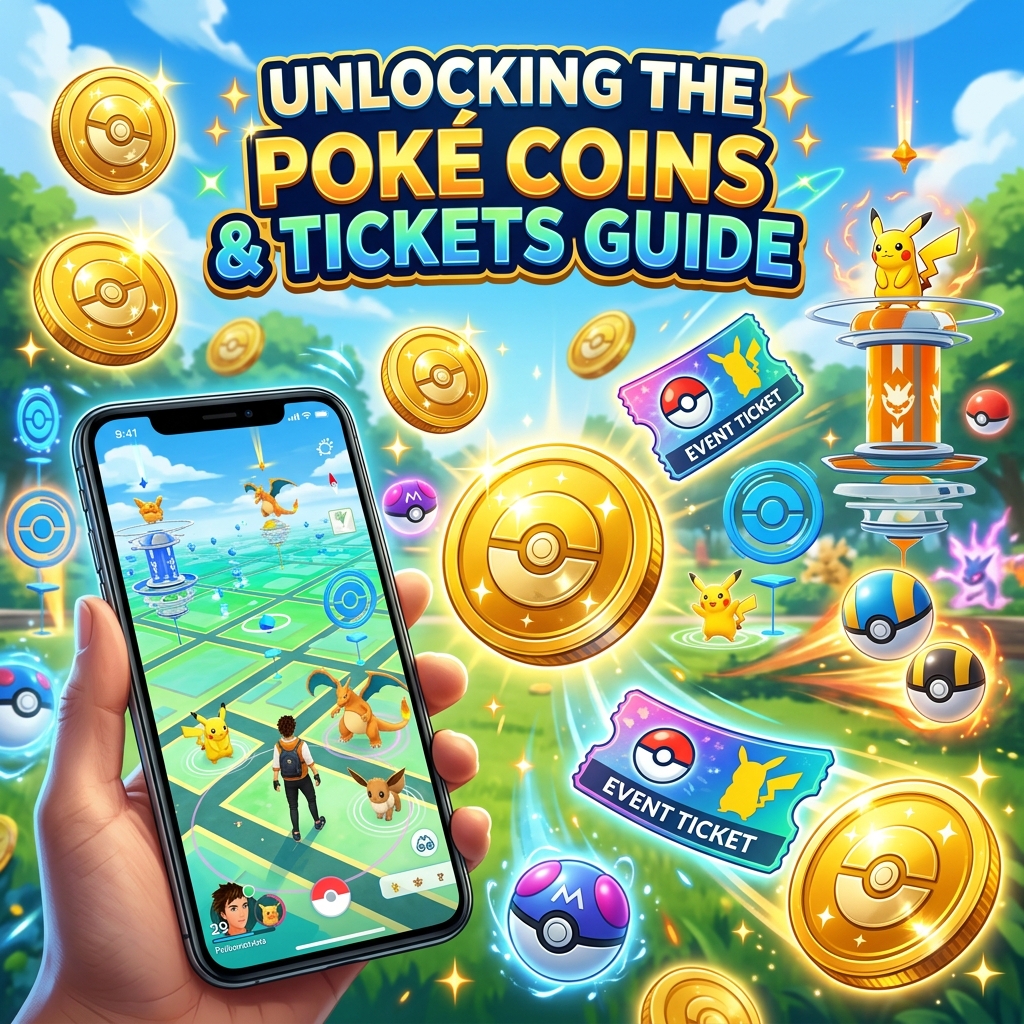
For many Pokémon GO players, purchasing PokéCoins and premium event tickets (like the upcoming Global GO Fest 2026 or Community Day tickets) can quickly add up. Since Niantic has patched several region-based coin purchase methods (such as the old Turkish Lira exploit), finding a working, cost-effective way to buy PokéCoins has become a hot topic.
Based on current community findings (including compiled methods from PoGoAndroidSpoofing), this guide outlines the safest and most reliable ways to buy cheap PokéCoins and event tickets for both iOS and Android in 2026/2027.
The Core Concept: Regional Pricing Discrepancies
Niantic utilizes regional pricing on both the Google Play Store and Apple App Store. Due to currency fluctuations and purchasing power adjustments, PokéCoins can cost significantly less in certain countries.
Currently, the most popular regions for cheap coin purchases include:
- India (INR): Offers some of the best rates for PokéCoins and tickets in 2026.
- Turkey (TRY): While more difficult to set up now, it still provides favorable pricing if you have a local payment method.
- Indonesia (IDR): Another solid alternative with stable discount rates.
Method 1: Google Play Store Regional Switch (Android - Most Recommended)
This is the most stable method for Android users. It involves setting up a Google Play Profile in a cheaper region (like India) and using a compatible international credit/debit card.
Steps to Set Up:
- Create a New Google Account: It is highly recommended to create a dedicated Google account specifically for purchases to avoid affecting your primary account.
- Set up a Payment Profile: Go to Google Pay Settings, create a new payment profile, and select India (IN) as the country. You will need a random valid Indian address (which can be found online).
- Add a Payment Method: Add an international credit or debit card that does not charge high foreign transaction fees.
- Link to Android Device: Add this new Google account to your Android device, open the Play Store, and switch to this account. Ensure your Play Store region shows as India.
- Purchase Coins in Pokémon GO: Open the game (ensuring it was installed from the Play Store while logged into the India account) and access the Shop. You should see prices listed in Rupees (₹).
Method 2: Apple App Store Regional Account (iOS)
For iOS users, the process requires creating or changing an Apple ID to a cheaper region and funding it via regional gift cards.
Steps to Set Up:
- Create an Apple ID: Register a new Apple ID with the region set to India or another cheap region.
- Purchase Regional Gift Cards: Since Apple has strict billing address checks, you cannot easily add a non-local credit card. Instead, purchase Indian Apple Gift Cards from reputable online retailers (e.g., OffGamers, SEAGM, or Amazon India).
- Redeem Gift Card: Log into the regional Apple ID on your iOS device and redeem the gift card balance in the App Store.
- Make the Purchase: Download Pokémon GO using this Apple ID, open the game, and complete your purchase using the redeemed Apple ID balance.
Safe Gaming & Location Changing with iAnyMove
If you are buying cheap PokéCoins to prepare for major events, you will want to maximize your gameplay during those events.
Using iAnyMove, you can safely change your GPS location to high-density areas (such as New York, Zaragoza, or Tokyo) where PokéStops are constantly lured and raid lobbies are full. iAnyMove runs on the official version of Pokémon GO, meaning it doesn't trigger the bans associated with modified clients.
Always combine cheap coin methods with safe location-changing habits—specifically respecting cooldown times and simulating natural movement—to keep your account secure in 2026.